GrindLab app icon
Better coffee by the numbers

Stop guessing your grind.
Start measuring it.

GrindLab turns your iPhone camera into a precision coffee grind analyzer. Snap a photo of your grounds and get instant, micron-level particle size measurements — no extra hardware needed.

Download on the App Store See it in action
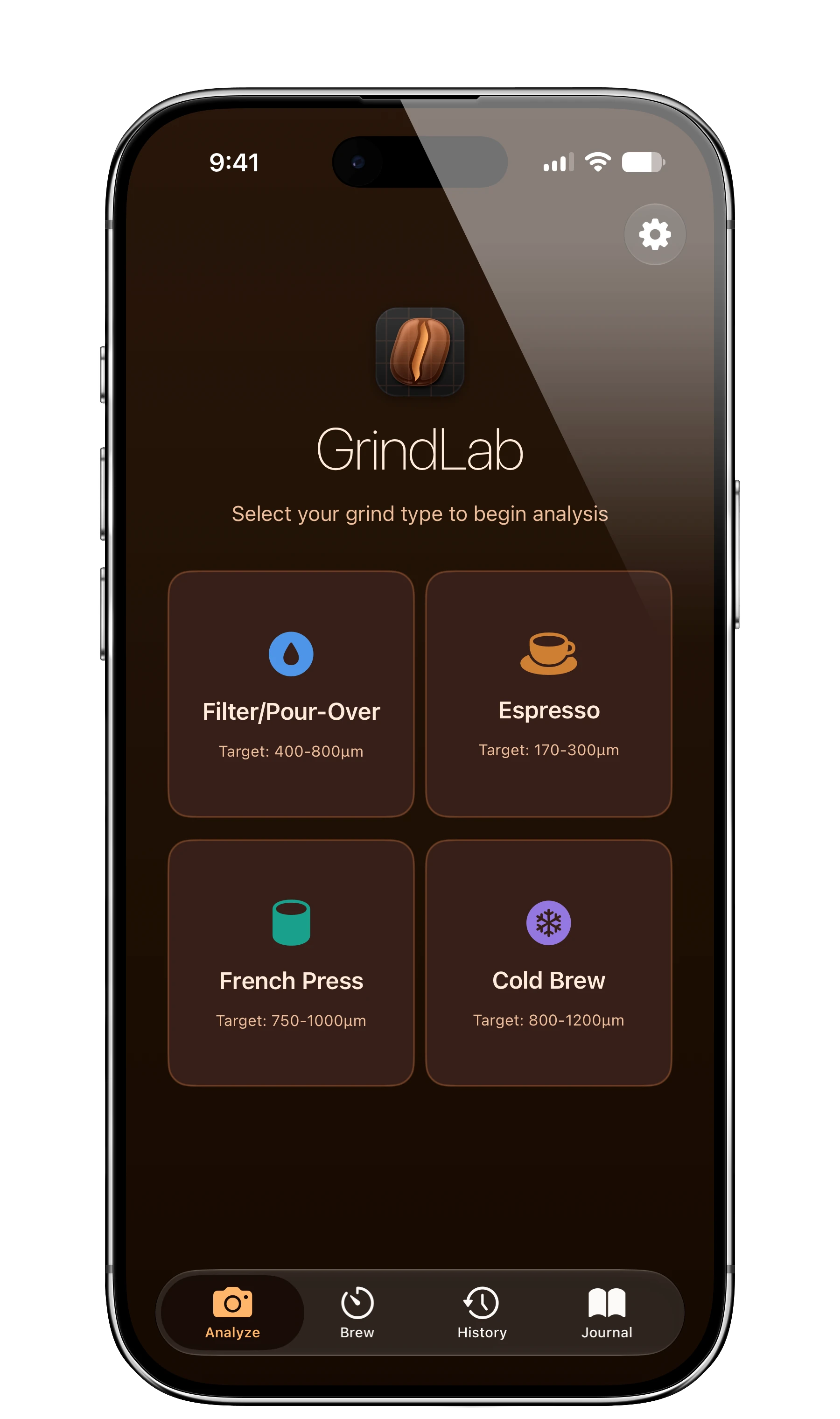
GrindLab home screen showing grind type selection for Filter, Espresso, French Press, and Cold Brew

Pick a grind type, snap a photo, get the numbers. That's the whole workflow.

What GrindLab does

Lab-grade grind data,
straight from your camera.

Micron-level analysis

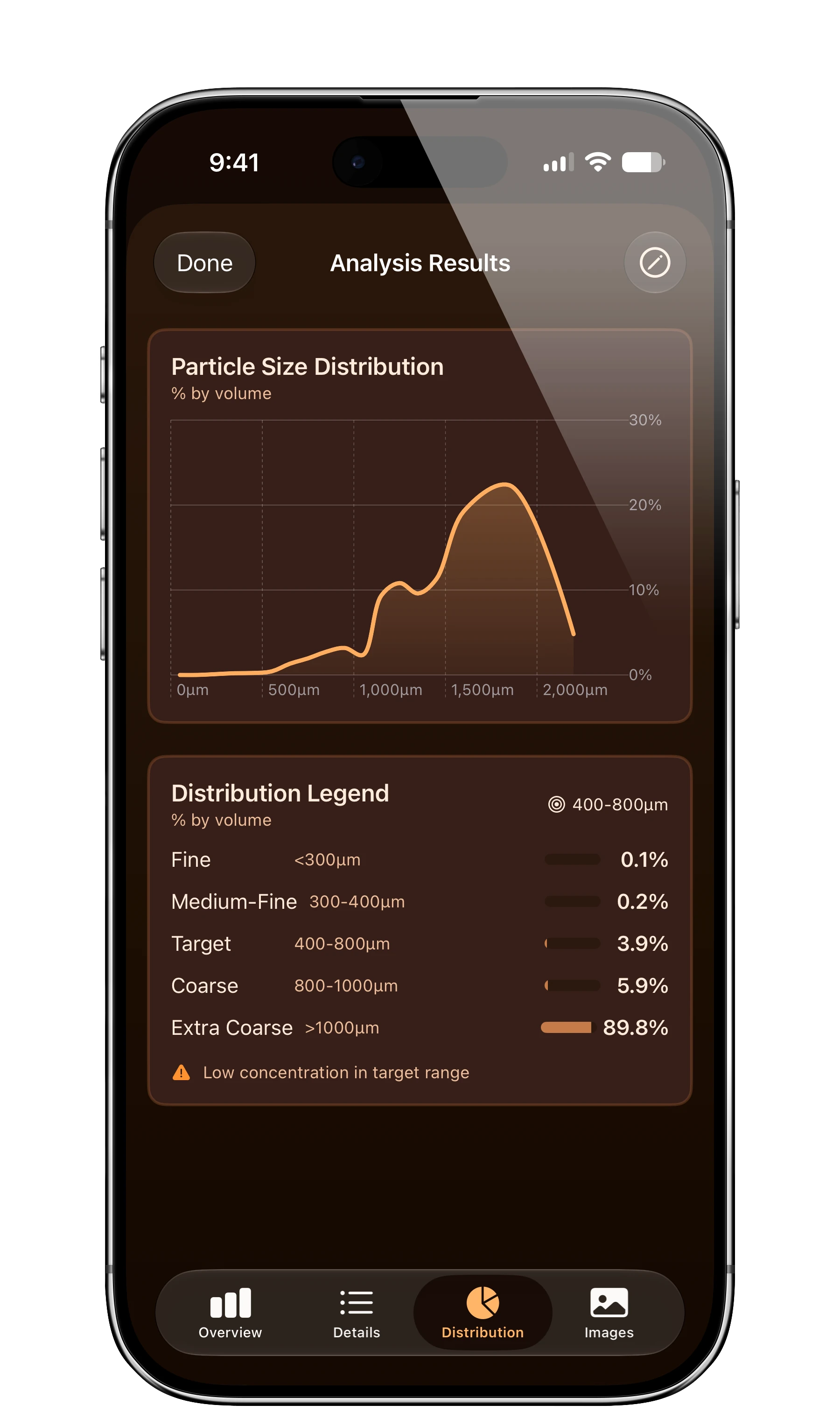
Median size, uniformity score, fines percentage, and boulders percentage — so you know exactly how consistently your grinder performs.

Real-world calibration

Calibrate with a coin or ruler for true micron accuracy. Computer vision detects individual particles and measures their size distribution.

Taste-to-grind recommendations

Log how your coffee tastes — sour, bitter, balanced, weak — and the Coffee Compass connects flavor feedback to grind adjustments for your next cup.

Brew timer & recipes

Step-by-step guidance for V60, Espresso, French Press, and Chemex, plus custom recipes. Live Activities put your timer on the Lock Screen and Dynamic Island.

Brew journal

Track every cup: beans, roaster, brew parameters, and tasting notes with star ratings. Search and filter your history to spot trends.

Compare & improve

Save analyses and compare them side by side. Overlay distribution charts, view delta metrics, and set a baseline to track grinder adjustments.
Built-in grind profiles

Know your target.
Hit your target.

Espresso170–300 μm

Fine and consistent, where a few boulders can channel a shot. GrindLab shows the fines that cause bitterness and the boulders that cause sour pulls.

Filter / Pour-Over400–800 μm

The medium range where uniformity matters most. See how much of your grind actually lands in the sweet spot for even extraction.

French Press750–1000 μm

Coarse for immersion brewing. Track the fines percentage that sneaks through the mesh and muddies the cup.

Cold Brew800–1200 μm

Extra coarse for long, slow steeps. Confirm your grinder can actually hold consistency at its widest setting.

See it in action

From photo to pour,
every step measured.

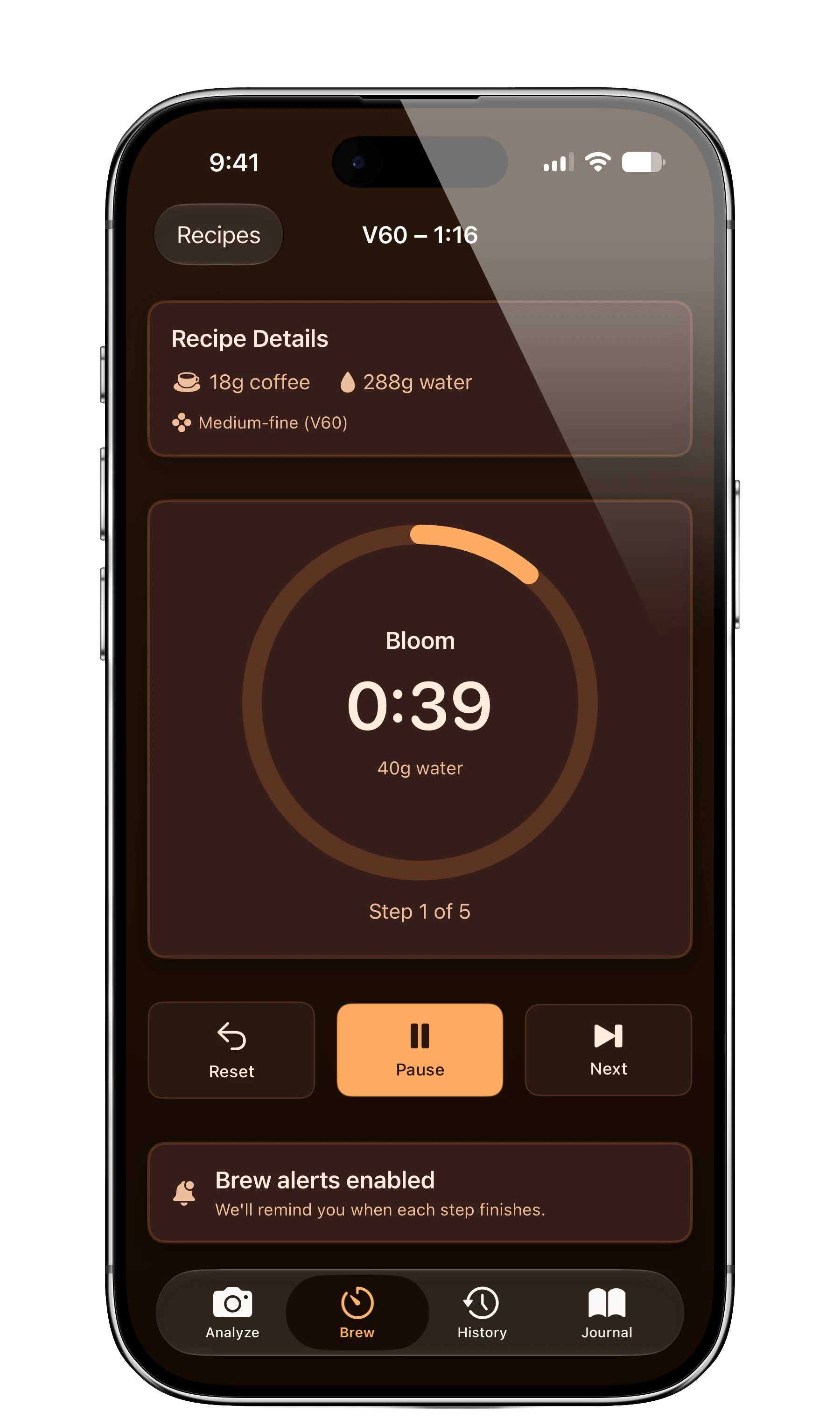
Brew timer running a V60 recipe with step-by-step pour guidance
A brew timer with step-by-step guidance.
Brew journal entry showing bean details, grind settings, brew parameters, and tasting notes
Log every brew. Refine your process.
Privacy first

“Everything happens on your iPhone. No account, no analytics, no server — your coffee data is yours. Full stop.”

Photos are processed on-device with Apple's Vision framework and never leave your phone. Read the full privacy policy.

Download on the App Store

Questions? Write to [email protected].